Text Report Item
The text item allows to enter a custom text paragraph. It offers a Markdown editor.
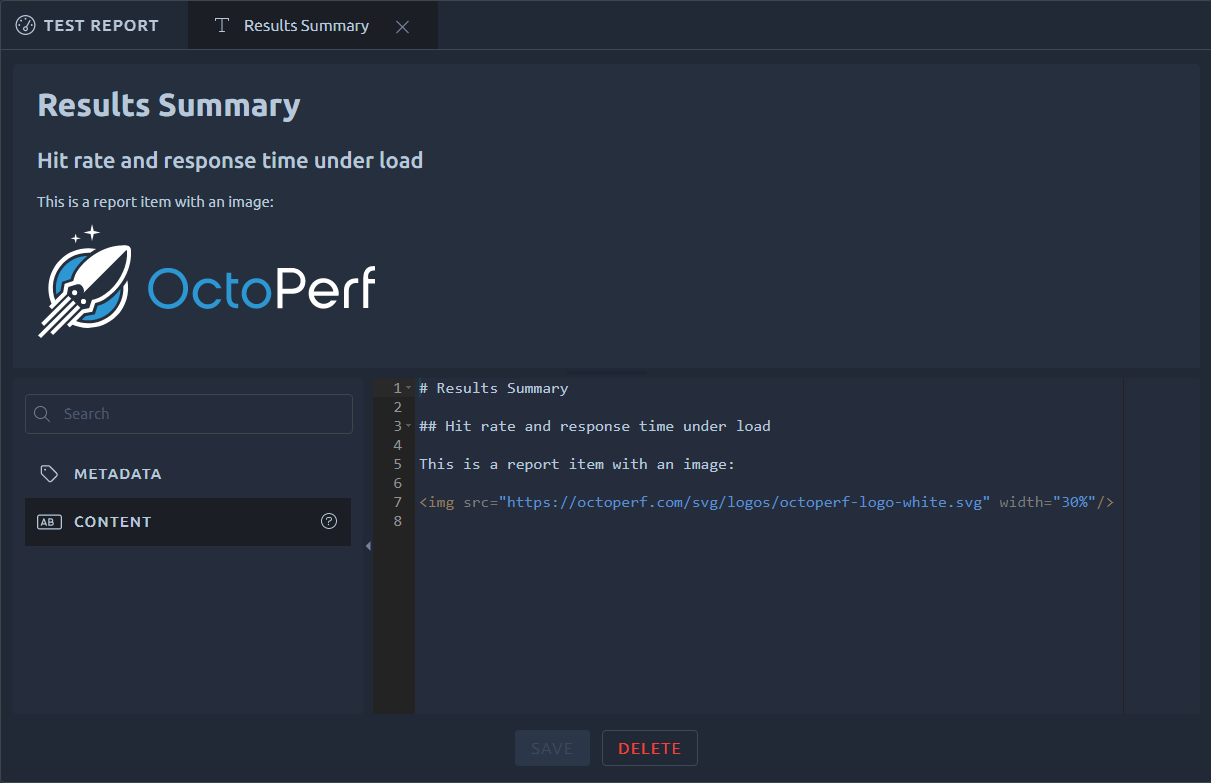
Changes made to the markdown are displayed in real time in the upper part. Use the Save button to apply your changes to the report. Or click Delete to remove this block of text.
Tip
Check out this page to learn about Markdown syntax.
Name
In the report edition items list, the text item name is displayed in bold text with a green tile to help differentiates the various sections of the report during edition:

Variables
The text can use the variables of the report templates, such as $REPORT_NAME$, $RESULTS$ or $RESULT(0)$: they are replaced by the values of the report, on screen, in the PDF and in the Markdown export. They are also replaced in the report description, whose preview in the Edit Metadata dialog shows the result as you type.
Note
The name of a text item is not replaced: a $RESULT(0)$ in the name stays as typed in the items list.
Headers
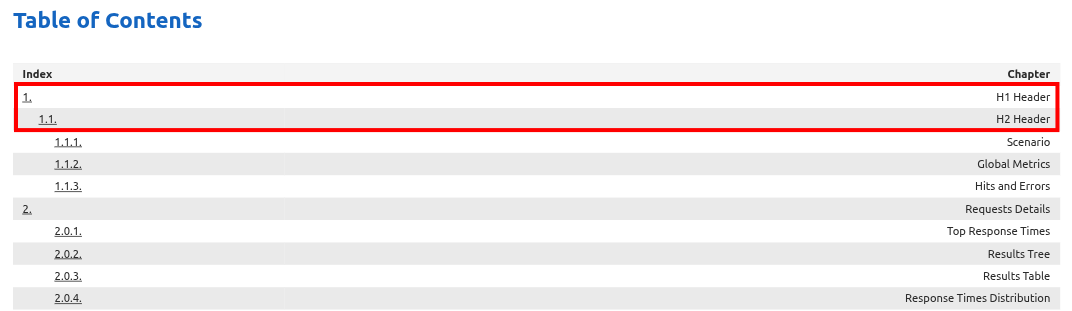
In the exported report, titles H1 or subtitles H2 are included in the table of content.
SLA Profiles
The $SLA_PROFILES(0)$ syntax can be used to display a summary of SLA profiles that were used for this test:

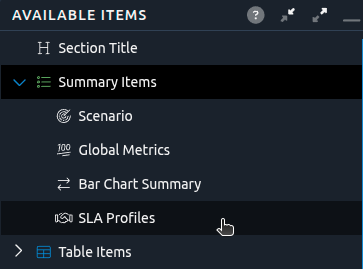
It can also be used in Comparison reports with the syntax $SLA_PROFILES(<Result Number>)$ and be quickly added to a report using the available report items tree:
Warning
If you are looking for all SLA triggered during the test, then use the Monitors table instead.