> OctoPerf load testing - How to integrate OctoPerf into Gitlab CI.
Source: https://api.octoperf.com/doc/runtime/edit-scenario/integrations-automation/ci-cd/ci/gitlab-ci/
# GitLab CI

[GitLab CI](https://docs.gitlab.com/ee/ci/) is a tool to automatically build your software through continuous deployment. GitLab CI is nothing else than an command-line runner built which runs your own scripts inside [Docker](https://docker.com) containers.
OctoPerf seamlessly integrates with GitLab CI thanks to our [Maven Plugin](https://github.com/OctoPerf/octoperf-maven-plugin). You can run OctoPerf load tests as part of your software builds like:
- Run an existing scenario,
- Import and run a [JMeter JMX](https://jmeter.apache.org) stored in your git repository,
- Or even stop the build automatically whenever a [threshold or SLA](https://api.octoperf.com/doc/monitoring/create-connection/sla/) exceeds a certain criticality (Example: `WARNING`).
## Setup
### Prerequisites
In order to setup gitlab builds to run OctoPerf load tests, first you need:
- A [GitLab](https://gitlab.com) account,
- And an [OctoPerf](https://api.octoperf.com/) account.
### Introduction
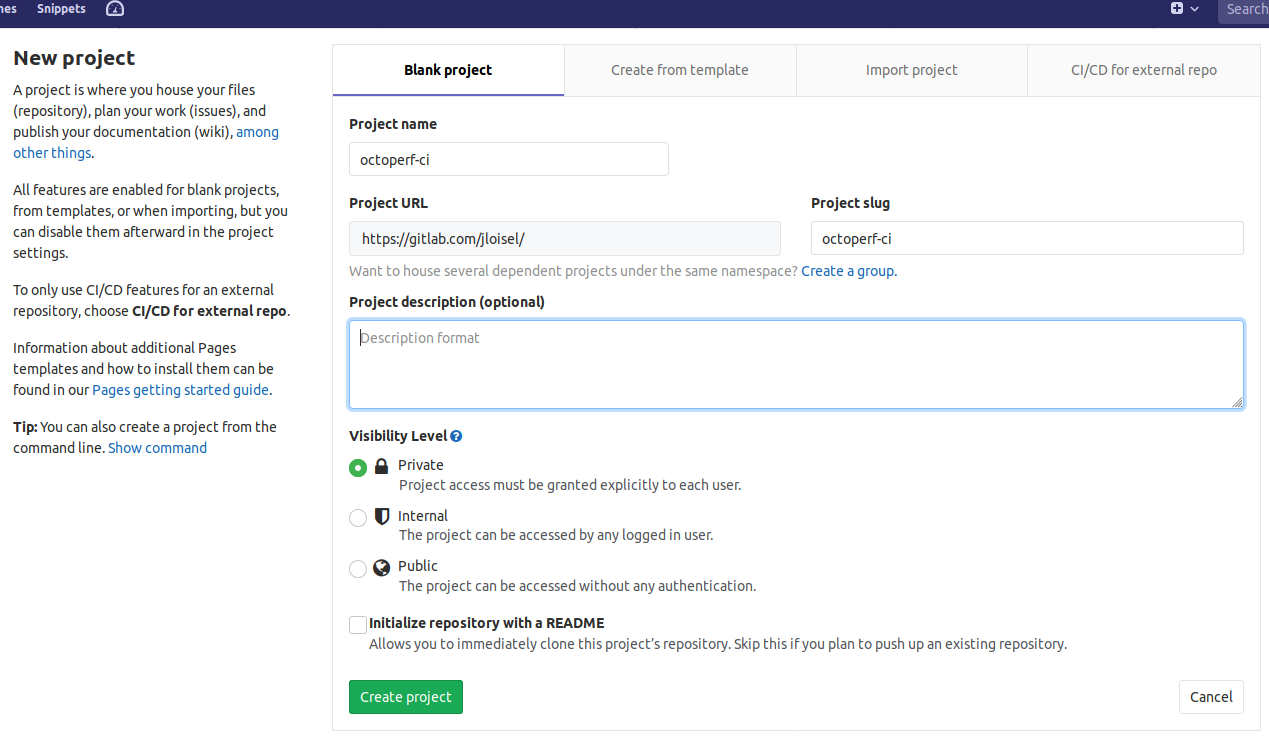
First, you need to:
- Create a GitLab account,
- Then create a new repository named `octoperf-ci`.
Next, you will need an [OctoPerf Account](https://api.octoperf.com/). Now, let's setup a dummy project:
- Create a new project named `GitLab` in your `Default` workspace,
- Import the sample JMX. This should create an `httpbin.org` virtual user,
- Create a [Scenario](https://api.octoperf.com/doc/runtime/) named `Scenario` and configure the load settings for the `httpbin.org` user.
Now, it's time to save your API key for further use:
- Click in the top-right corner in OctoPerf UI and choose `Profile` in the menu,
- Copy the API Key.
Let's setup the gitlab repository now.
### GitLab Repository
GitLab CI easily supports [running Maven](https://gitlab.com/gitlab-org/gitlab/-/blob/53ed9de852c2be69db23a0c0a64721f8bf7fba72/doc/ci/examples/artifactory_and_gitlab/index.md) builds:
- First, clone the gitlab repository:
```bash
git clone git@gitlab.com:username/octoperf-ci.git
```
- Then, you should create the maven `pom.xml` config file which contains:
```xml
4.0.0
pom
com.octoperf
octoperf-test
1.0.0-SNAPSHOT
com.octoperf
octoperf-maven-plugin
2.4.0
YOUR_API_KEY
Default
GitLab
Scenario
octoperf-releases
OctoPerf Releases
https://github.com/octoperf/maven-repository/raw/master/releases
octoperf-snapshots
OctoPerf Snapshots
https://github.com/octoperf/maven-repository/raw/master/snapshots
```
Make sure to replace `YOUR_API_KEY` by your account API Key.
- Then, create a `.gitlab-ci.yml` file at the root of your project:
```yml
image: maven:latest
cache:
paths:
- .m2/repository/
- target/
test:
stage: test
when: manual
script:
- mvn octoperf:execute-scenario
```
This will execute an existing scenario named `Scenario`, expected to be in your account `GitLab` project and `Default` workspace.
- Commit those changes to your repository:
```bash
git add -A && git commit && git push
```
Which will push the 2 files to your git repository:
```bash
[master (root-commit) 8d8794b] OctoPerf Load Test
2 files changed, 51 insertions(+)
create mode 100644 .gitlab-ci.yml
create mode 100644 pom.xml
Enumerating objects: 4, done.
Counting objects: 100% (4/4), done.
Delta compression using up to 12 threads
Compressing objects: 100% (4/4), done.
Writing objects: 100% (4/4), 894 bytes | 894.00 KiB/s, done.
Total 4 (delta 0), reused 0 (delta 0)
To gitlab.com:jloisel/octoperf-ci.git
* [new branch] master -> master
```
- The CI Job should now be visible on GitLab,

- Now click on `Run Pipeline` to trigger a new build. After a while, the test should start:
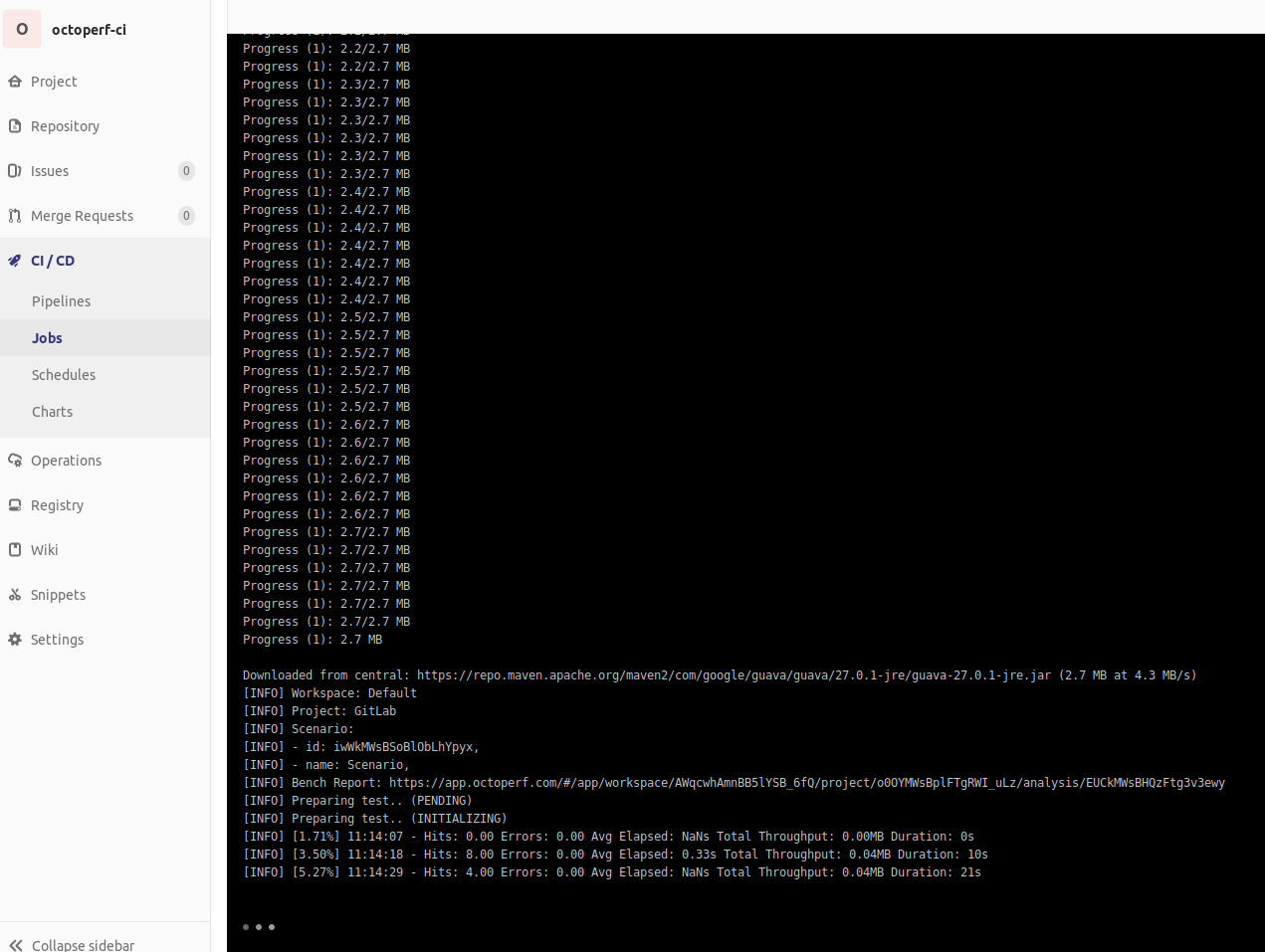
Congratulations! You've just triggered a load test on OctoPerf using **GitLab CI** and **OctoPerf Maven Plugin**.
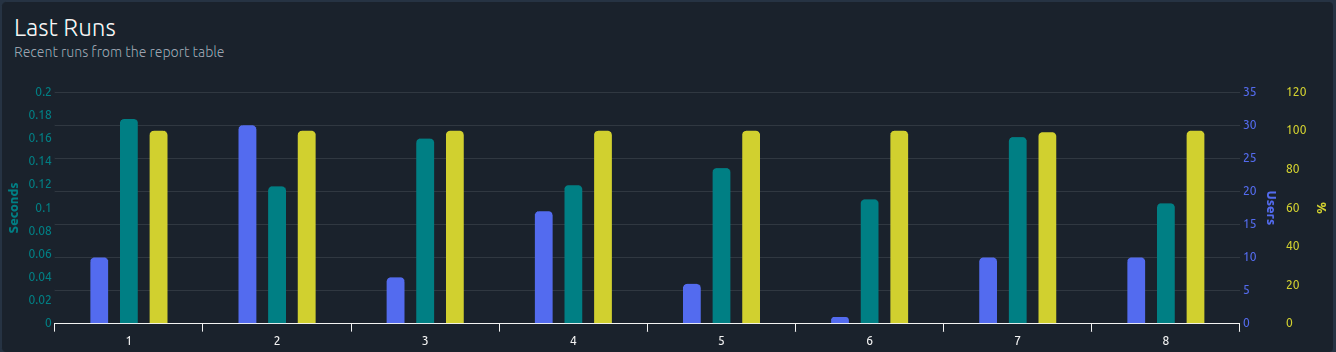
The analysis report is visible in OctoPerf too. For further information, see our [OctoPerf Maven Plugin](https://github.com/OctoPerf/octoperf-maven-plugin) documentation.