> OctoPerf load testing - How to integrate OctoPerf into Gitlab CI.
Source: https://api.octoperf.com/doc/runtime/edit-scenario/integrations-automation/ci-cd/ci/azure-devops/
# Azure Devops

**Azure DevOps** is a [Microsoft](https://en.wikipedia.org/wiki/Microsoft) product that provides a variety of services to covers the entire [application lifecycle](https://en.wikipedia.org/wiki/Application_Lifecycle_Management), and enables [DevOps](https://en.wikipedia.org/wiki/DevOps) capabilities.
OctoPerf seamlessly integrates with Azure Devops thanks to our [Maven Plugin](https://github.com/OctoPerf/octoperf-maven-plugin). As part of your software builds, you can run OctoPerf tasks like:
- Run an existing scenario,
- Import and run a [JMeter JMX](https://jmeter.apache.org) stored in your git repository,
- Or even stop the build automatically whenever a [threshold or SLA](https://api.octoperf.com/doc/monitoring/create-connection/sla/) exceeds a certain criticality (Example: `WARNING`).
## Setup
### Prerequisites
In order to setup Azure devops builds to run OctoPerf load tests, first you need:
- An [Azure](https://azure.microsoft.com/) account,
- And an [OctoPerf](https://api.octoperf.com/) account.
### Azure pipeline
The first step is to get a pipeline ready in Azure Devops. A complete guide can be found [in their documentation](https://docs.microsoft.com/fr-fr/azure/devops/pipelines/ecosystems/java?view=azure-devops).
Basically you need to create a pipeline and construct an `azure-pipelines.yml` file, in our case we will use something like this:
```yml
steps:
- task: Maven@3
inputs:
mavenPomFile: 'pom.xml'
mavenOptions: '-Xmx512m'
javaHomeOption: 'JDKVersion'
jdkVersionOption: '1.11'
jdkArchitectureOption: 'x64'
publishJUnitResults: false
goals: 'octoperf:execute-scenario'
```
### OctoPerf Maven plugin
You can find the OctoPerf Maven plugin configuration [on its documentation page](https://api.octoperf.com/doc/runtime/edit-scenario/integrations-automation/ci-cd/maven/#configuration).
To summarize, you need to provide a `pom.xml` file and adapt the following section:
```xml
YOUR_API_KEY
WORKSPACE_NAME
PROJECT_NAME
SCENARIO_NAME
```
The `API_KEY` is available [on your profile page](https://api.octoperf.com/doc/account/profile/#apikey). The other values are the textual names of each element inside OctoPerf.
### Result
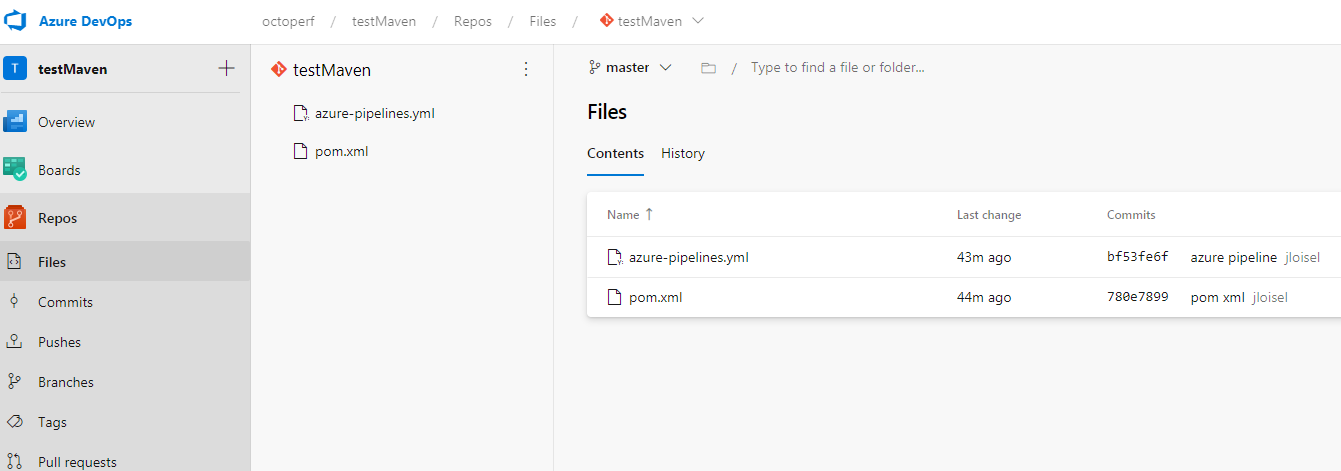
Before launch it should look like this inside your Azure pipeline:
And when you execute it:
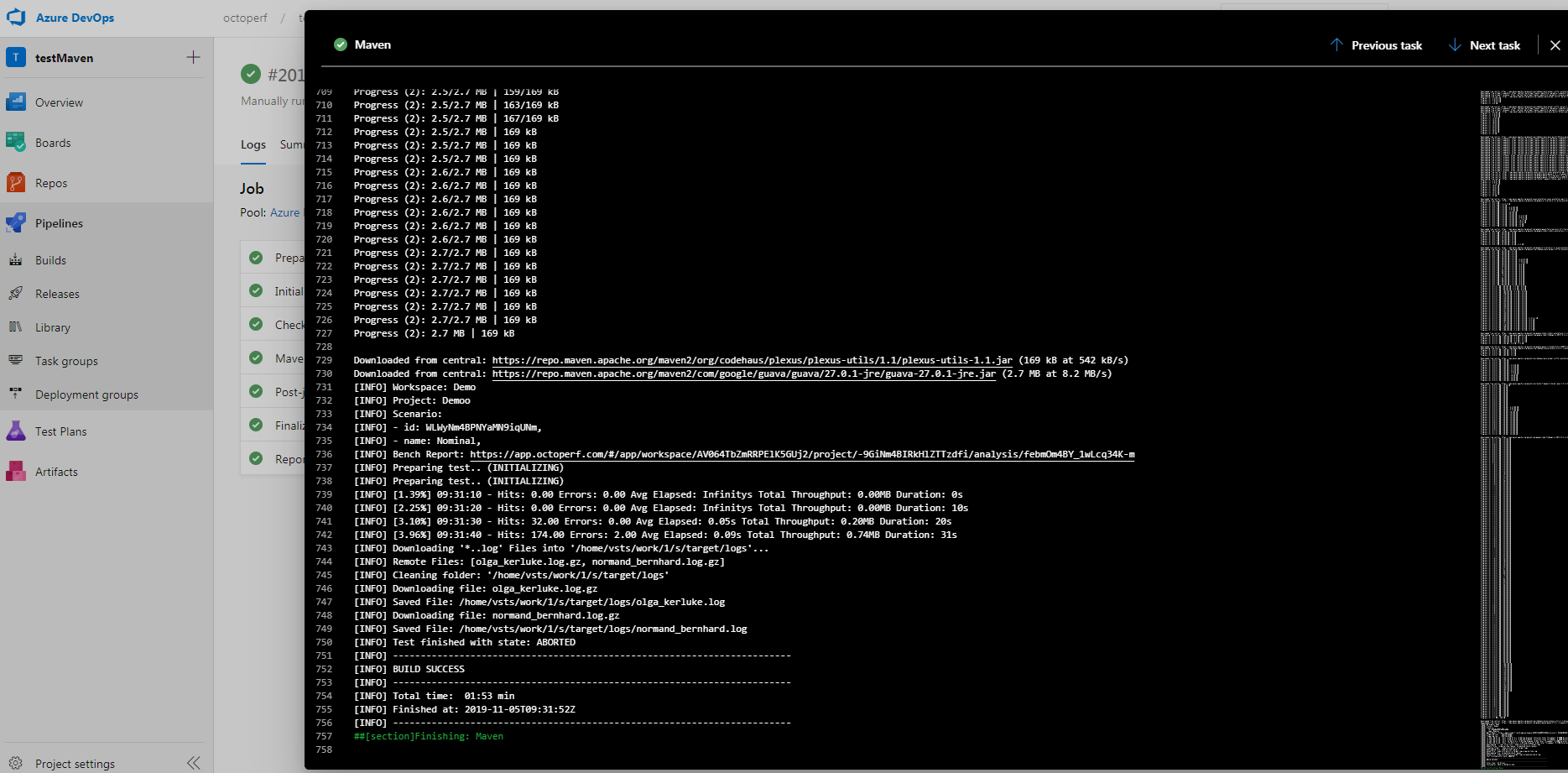
Congratulations! You've just triggered a load test on OctoPerf using **Azure Devops** and **OctoPerf's Maven Plugin**.
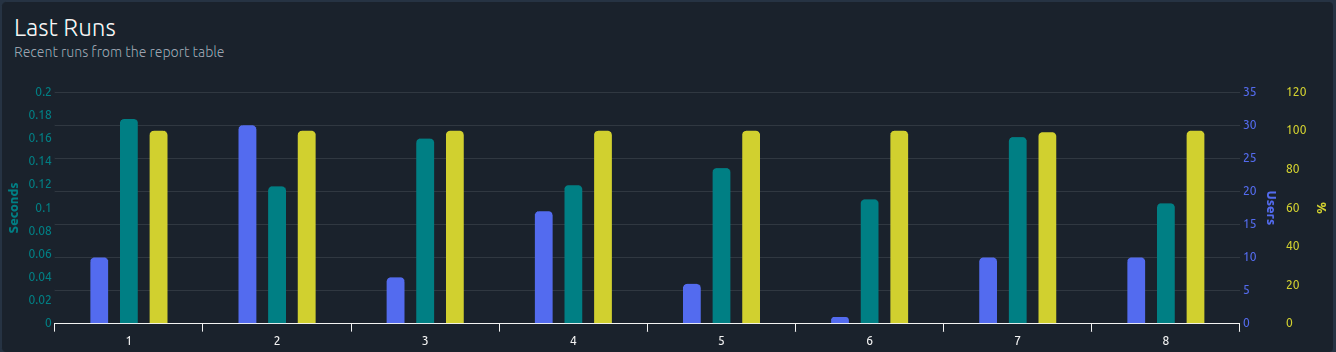
The analysis report is visible in OctoPerf too. For further information, see our [OctoPerf Maven Plugin](https://github.com/OctoPerf/octoperf-maven-plugin) documentation.