> OctoPerf load testing - Search and Replace documentation page. It helps to extract some parameters in order to create a dynamic load testing scenarios.
Source: https://api.octoperf.com/doc/design/edit-virtual-user/search-and-replace/
# Search and Replace
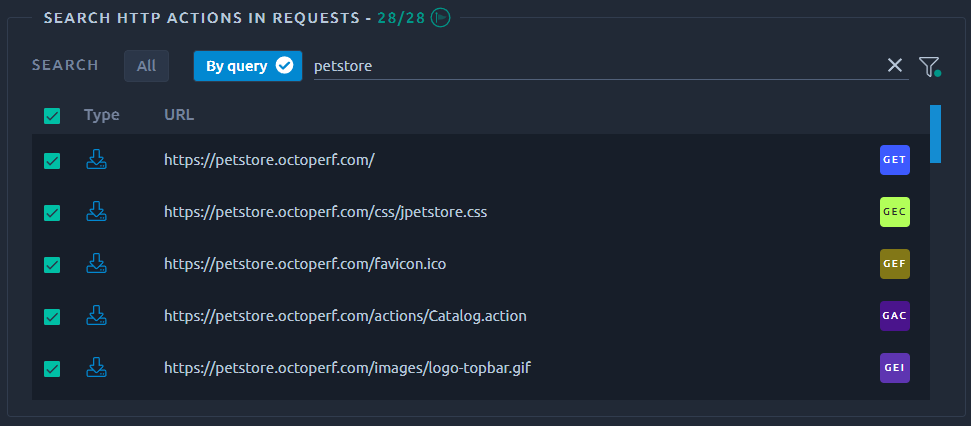
The search and replace panel allows you to locate and edit one or several elements of the current virtual user.
## Search
### Flags
{ align=left }
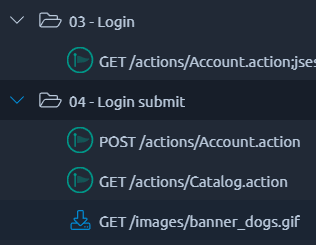
Fill in the text to search and green flags will appear on top of the actions that match the searched text as you are typing it.
!!! note
The process of searching for parameters, **placing extractors and injecting variables can be automated** using [Correlation Rules](https://api.octoperf.com/doc/design/edit-virtual-user/configuration/auto-correlation/).
### Search results
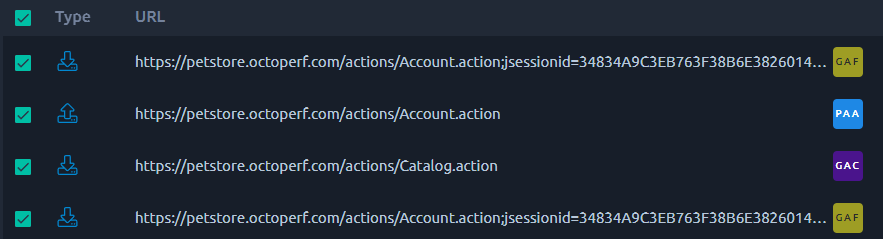
When you select **All** or enter a search **query**, the result list fills in. A click on any line will open this element for edition and select it in the tree.
Selected elements are the ones that will be eligible for [replacement](#replace), so make sure to unselect elements that you want to exclude from a [replacement](#replace).
### Advanced search
You can configure more precisely where to search by clicking on the _Configuration_ { .off-glb } button.
There you can select if you want to search for values in HTTP **requests**, **responses** or **both**:
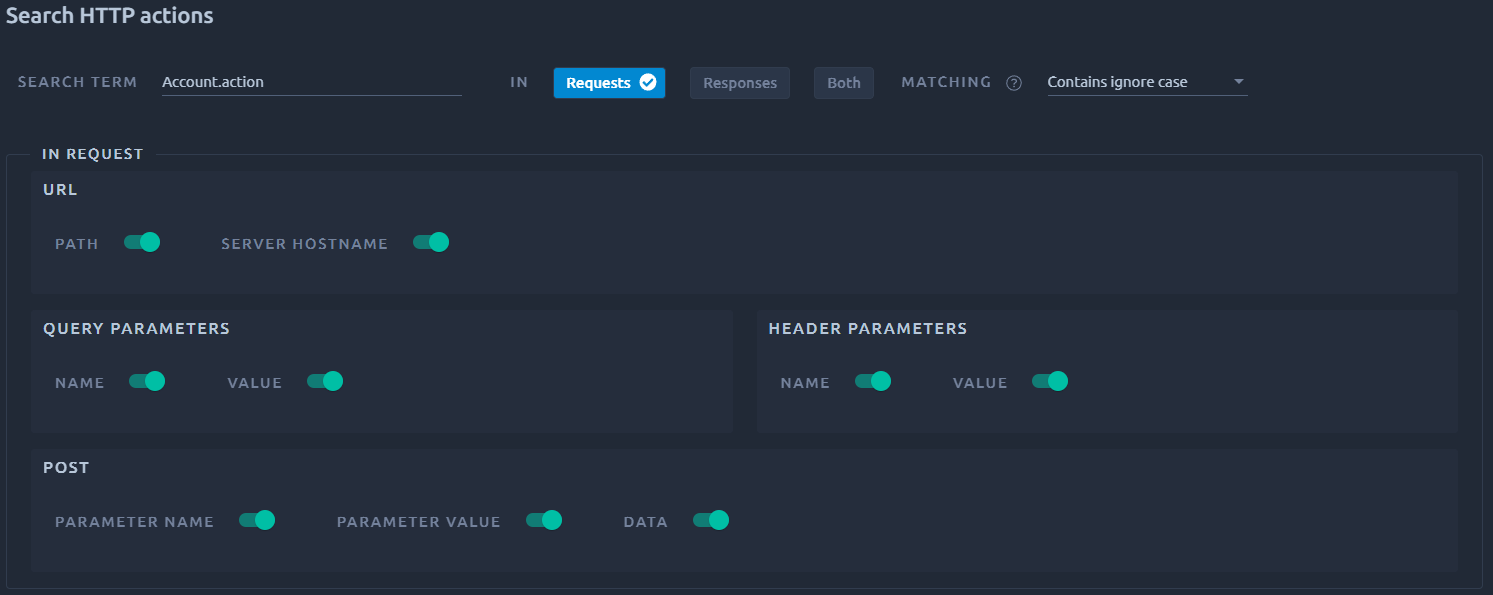
If you disable one of the check box, then this particular element will be excluded from the search.
For example if you disable **Post data** the search will not apply to any **Raw post body**.
## Replace
### Replace options
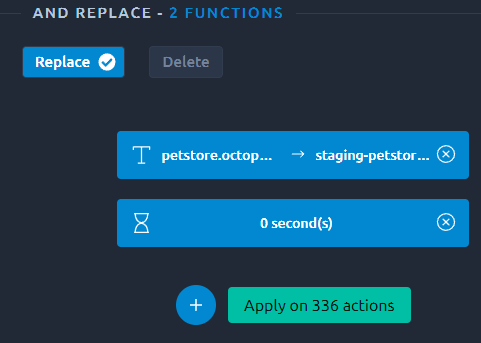{ align=left }
The replace options are available in the right side panel. Several replace functions can be used at the same time.
From there you can manage your replace functions :
- { .off-glb } to add,
- { .off-glb } to remove,
- Click a function to edit it.
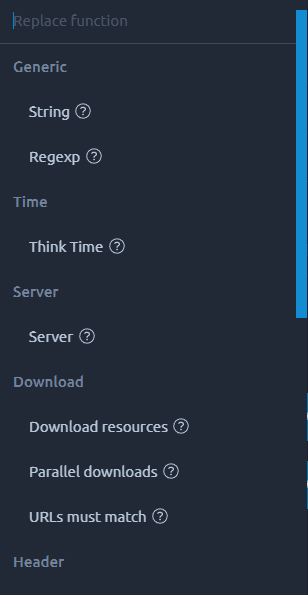{ align=right }
The replace options include:
- Simple strings,
- Regular expressions,
!!! warning
**String** and **Regexp** options cannot be used to replace the server. If you want to change the server, use the dedicated option.
And other HTTP request-specific info:
- Think times,
- Servers,
- Headers,
- Post/Query parameters,
- Others.
!!! note
Adding a **Header, Query or Post parameter** with a name that already exists will overwrite its value instead.
### Apply Replace Options
Upon applying the replace options you have selected, you might have the time to see a message like this:
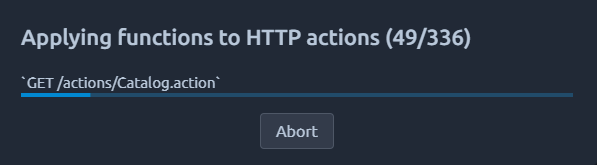
It allows you to cancel the replacement, but be advised that **it will not roll it back**. Canceling simply prevents further replacements.
### Remove
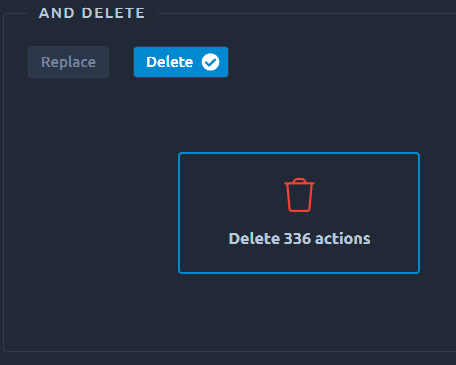{ align=left }
You can remove requests by removing [servers](https://api.octoperf.com/doc/design/edit-virtual-user/configuration/servers/), but this removes from the entire project. If you only want to remove a requests inside one virtual user, then:
- Find a search criteria that will only flag the appropriate requests,
- Hit the delete button to remove all occurrences of these requests.
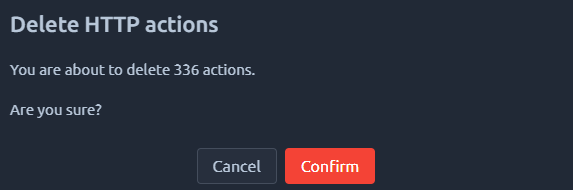
A confirmation message will appear, indicating how many elements are impacted:
!!! warning
This action cannot be reversed, make sure to [duplicate](https://api.octoperf.com/doc/design/#virtual-users-list-actions) your virtual user or double-check the search results before removing them.